IN BRIEF
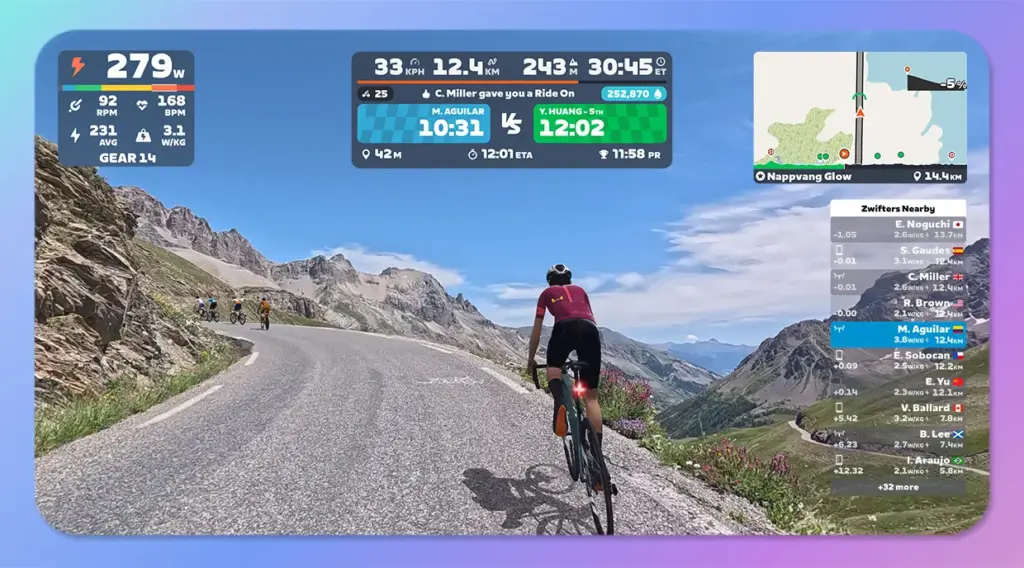
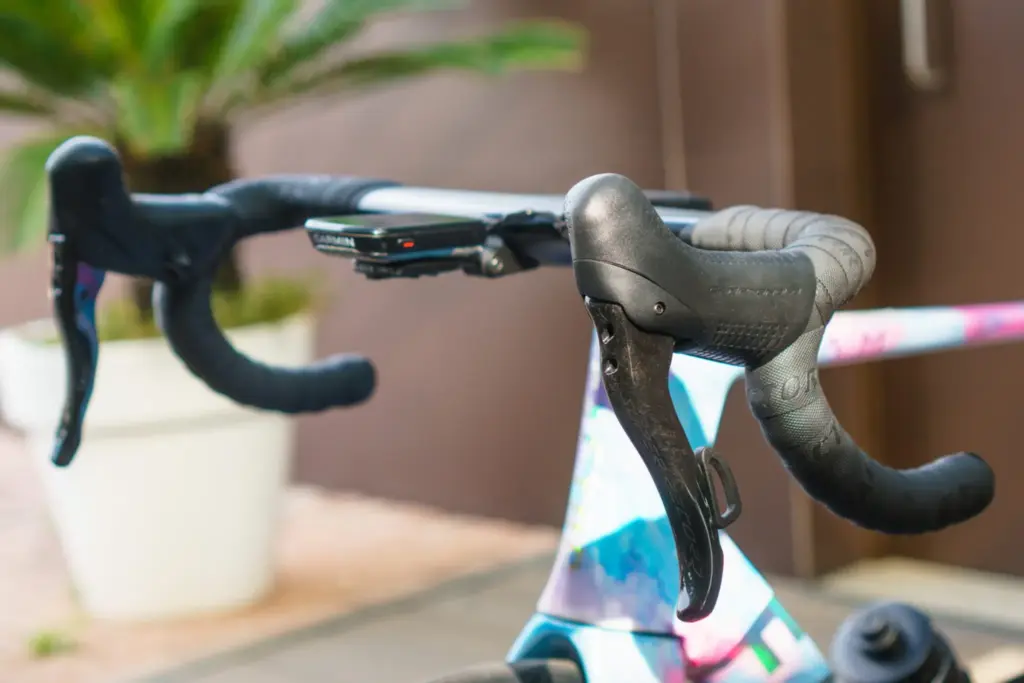
Campagnolo has released an update that lets riders change gear in Zwift using the Ergopower levers of its Platform 13 generation Record and Super Record groupsets. It comes with firmware 3.1.16, installed through the MyCampy app, and requires a Zwift Cog fitted to a compatible smart trainer. Once the groupset is paired, the rear derailleur stops working normally and the levers talk directly to Zwift. There is no longer any need for a Zwift controller on the handlebar.
| Compatible groupsets | Campagnolo Record and Super Record (Platform 13) |
| Update | firmware 3.1.16, via the MyCampy app |
| Required hardware | Zwift Cog and a compatible smart trainer |
| Recommended setting | rear derailleur on the 5th or 6th sprocket |
| Pairing | Controls menu of the Zwift account |
Zwift and Campagnolo: getting started
First, a Zwift Cog has to be fitted to the smart trainer and set up correctly. Next, download firmware 3.1.16 in the MyCampy app, then activate the groupset. Campagnolo recommends ideally placing the rear derailleur on the fifth or sixth sprocket. All that remains is to log in to your Zwift account and pair the groupset in the Controls menu.
The derailleur goes to sleep
Campagnolo describes what happens once the connection is made:
“Once paired with Zwift, the groupset will switch from outdoor to indoor: the rear derailleur will stop operating in the conventional way, and the Ergopower controls interact directly with Zwift.”
Campagnolo
For the brand, the point is to bring a familiar Campagnolo experience to indoor training. Riders no longer need to clutter their handlebar with a Zwift controller, and they keep the shifting quality of their electronic groupset.
Buying guide
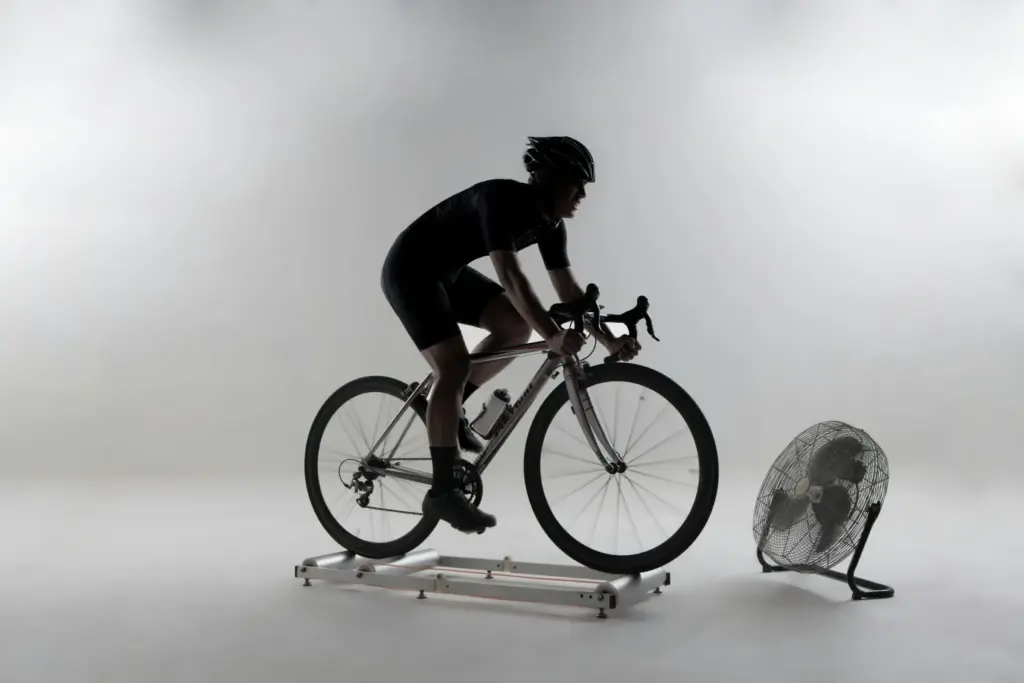
Indoor bike trainers: nine models compared
Tacx, Elite, Wahoo, Decathlon and Zwift: accuracy, simulated gradient and price, from rollers to a complete indoor bike.